Building Symbiote: A Terminal-Inspired Hugo Theme
Table of Contents
When I set out to build a new portfolio, I couldn’t find a Hugo theme that fully resonated with the hacker/security researcher aesthetic without feeling clunky or bloated. I wanted something minimalistic, blazingly fast, and instantly recognizable. I wanted a terminal.
Thus, Symbiote was born.
The Spider-Man Inspiration
The name Symbiote and its core design philosophy are heavily inspired by the Spider-Man symbiote arc. I wanted the theme to feel sleek, fluid, and a little aggressive—much like the alien suits from the comics.
Because the theme supports dynamic, instant colour-scheme switching, I named the built-in palettes after famous symbiotes to match their comic-accurate colors:
venom: A deep, pitch-black background accented with highly visible white text and aggressive, toxic neon-green accents.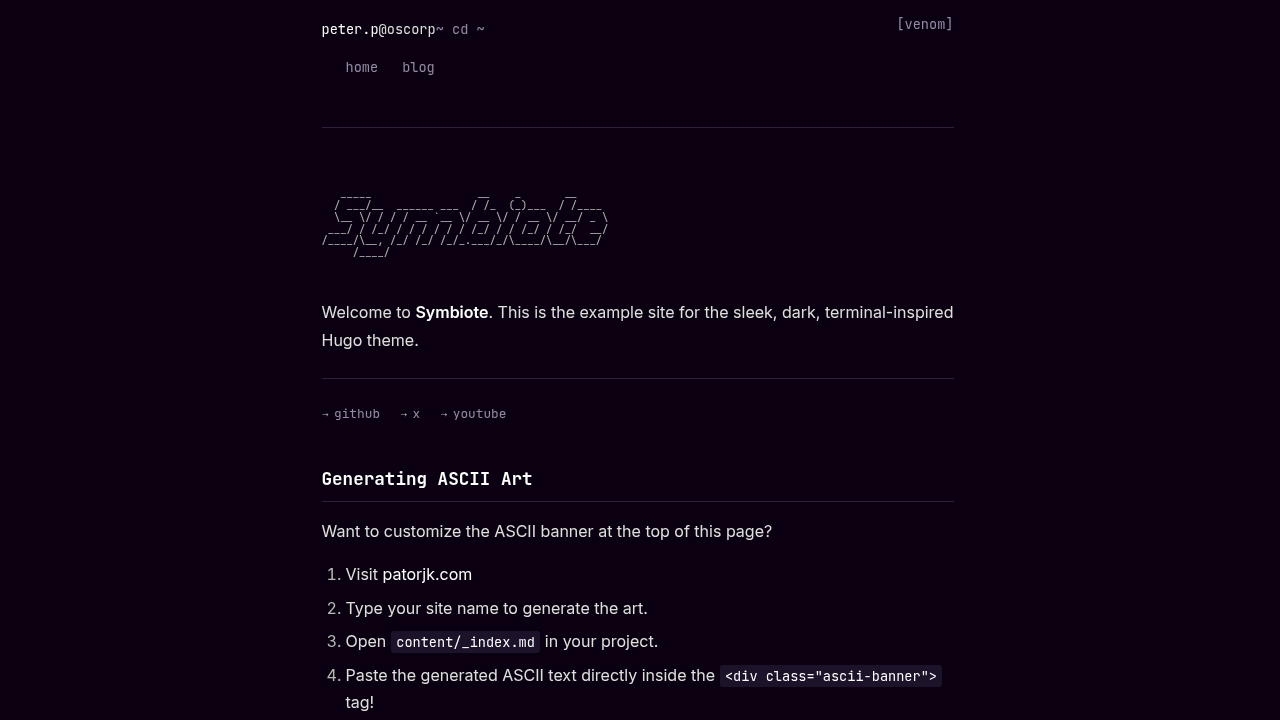 Inspiration (Art Credit: frederikhornung on Newgrounds):

carnage: A chaotic, pure red-and-black contrast.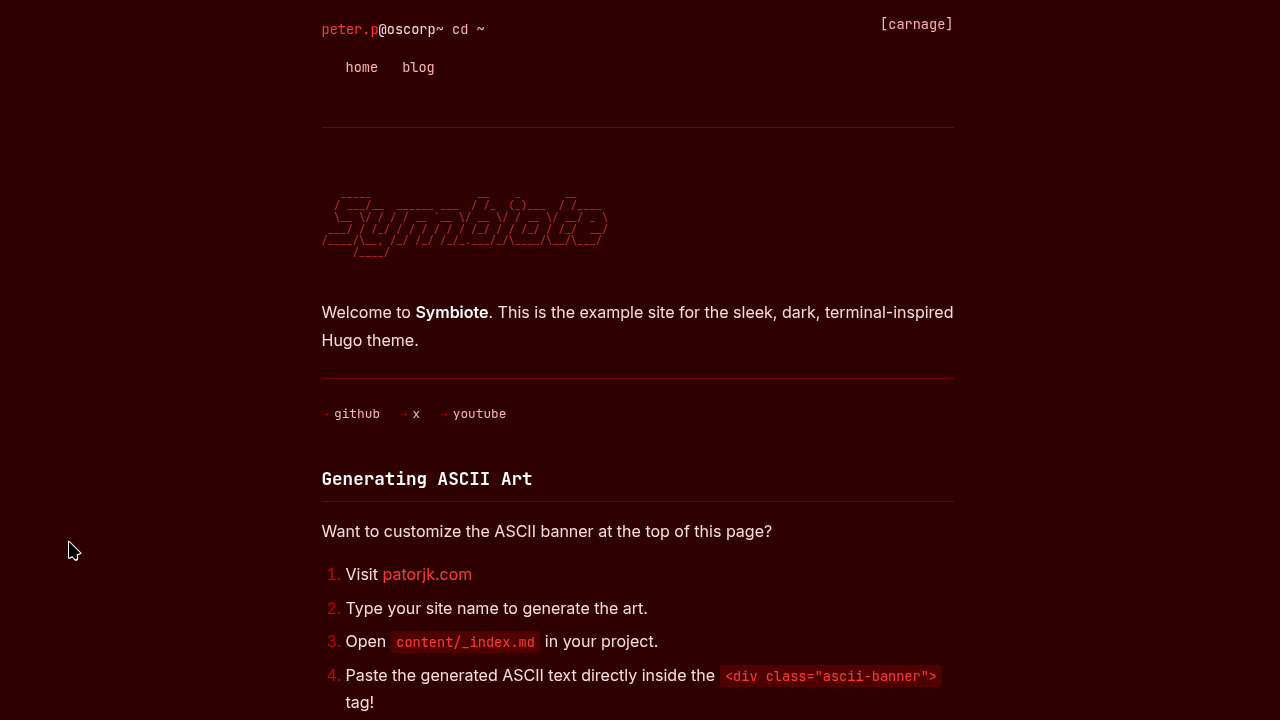 Inspiration (Credit: Marvel Database / Fandom):

anti-venom: An inverted, bright theme representing the white-and-black suit.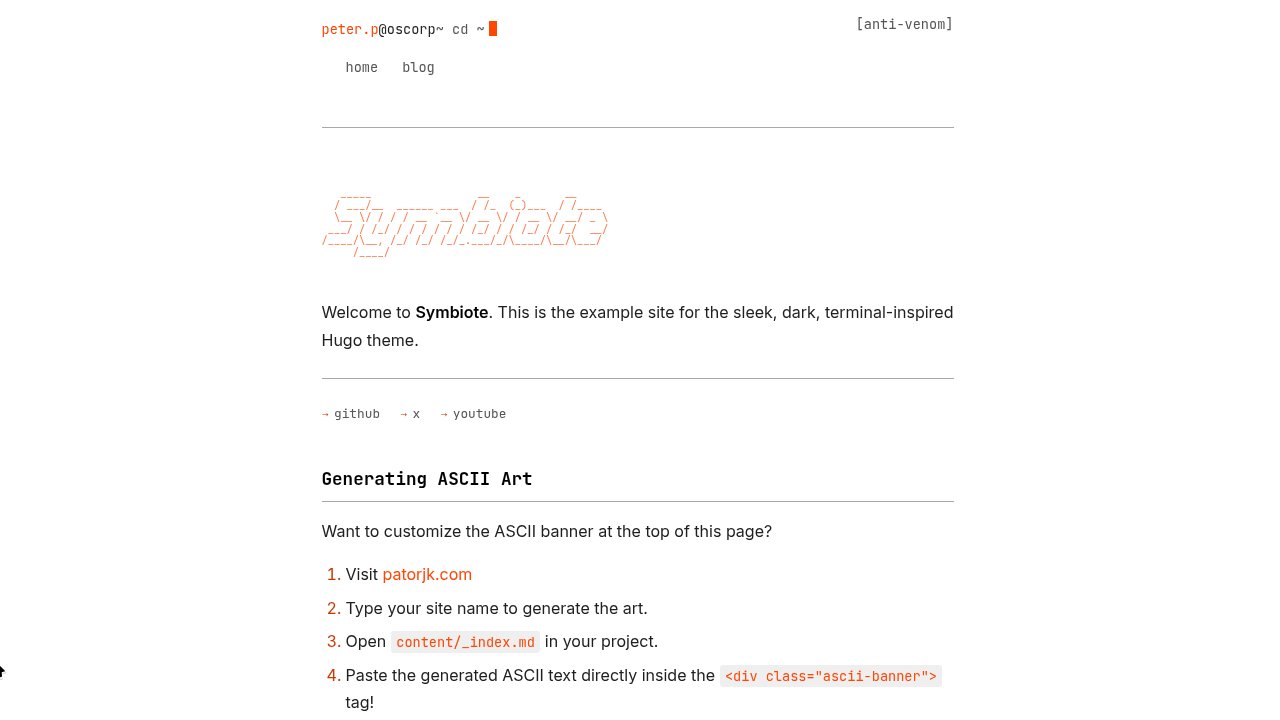 Inspiration (Credit: Marvel Database / Fandom):

amoled: A specialized ultra-dark variant designed specifically to turn off pixels on OLED screens, maximizing battery life and contrast.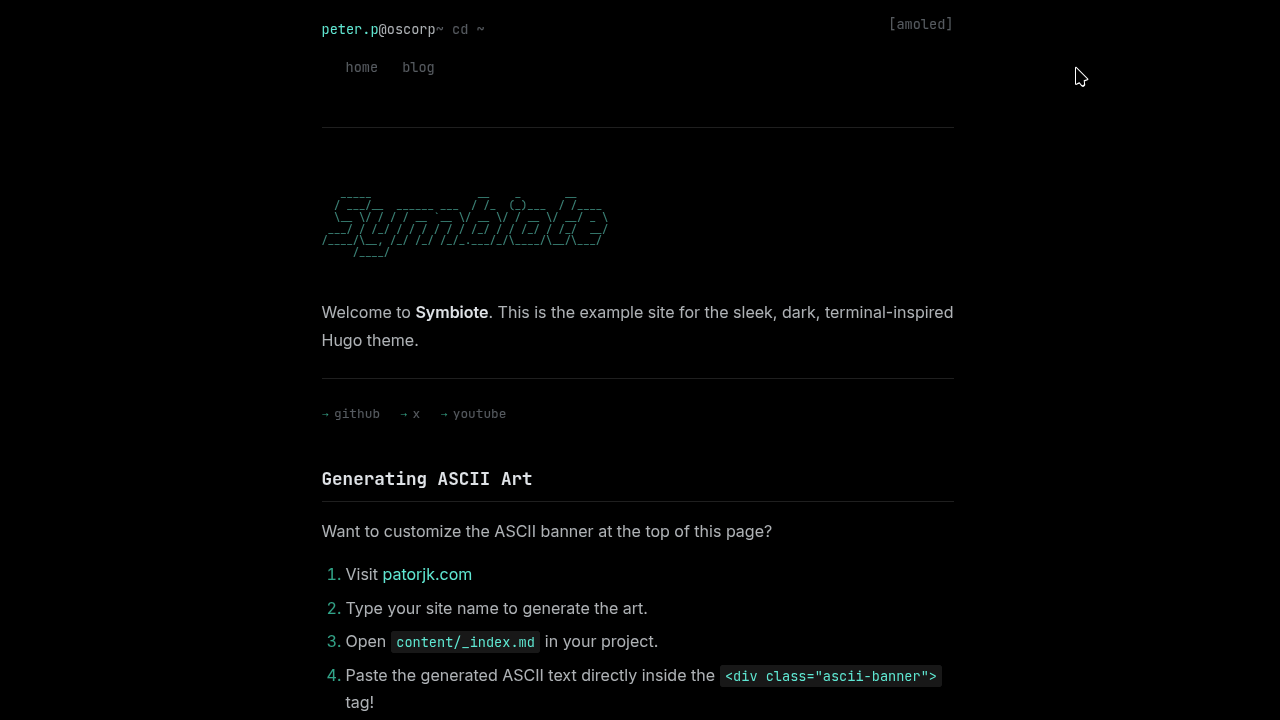
Engineering Challenges
Building a lightweight theme sounds easy on paper, but keeping the CSS payload tiny while supporting dynamic features required some heavy lifting.
1. The 9-Variable CSS API
To allow users to switch themes instantly without full page reloads, I had to architect a strict 9-Variable CSS API. Every single element on the page—from the borders to the code syntax highlighting—maps back to these 9 variables (--bg, --text, --accent, etc.).
This allows the Javascript toggle in the header to instantly swap out the data-theme attribute on the root HTML element. The transition is completely seamless, and it hooks into localStorage so the browser remembers your favorite suit the next time you visit.
2. The Blinking Terminal
The header features a dynamic typing animation mimicking a terminal prompt (peter.p@oscorp ~ cd /blog). One of the primary challenges was ensuring this Javascript animation didn’t block page rendering or cause layout shifts. I wrote a custom, lightweight DOM-listener script that parses the current Hugo route and dynamically simulates the exact cat or ls command you would use in a real Linux terminal to reach that page.
3. Global CSS Bleed
A common issue in Hugo templating is ensuring that layout CSS doesn’t accidentally bleed into the parsed Markdown content. Early in development, the global <header> rules were hijacking the headers inside article <article> blocks. I had to strictly isolate the CSS hierarchy (e.g., using .container > header vs .post-content > header) to guarantee that user-written markdown never breaks the layout.
The Result
The final product is a hyper-optimized theme relying on Hugo Pipes to fingerprint and minify the CSS. It features full i18n support, a built-in curl hint footer for terminal junkies, and a dynamic ASCII art banner.
If you’re a developer or security researcher looking for a fast, no-nonsense theme, check out the source code on GitHub. Feel free to fork it, break it, and build your own custom symbiote variant.
This article may or may not be AI generated, I guess we’ll never know. In my defence, it’s too hard to sit down and type all this out, giving pointers to AI was easier okay? Now I’m curious, did you actually read through all of it? I probably wouldn’t have.